
Working on a Scrum Team
Build The Shared Understanding High-Performing Scrum Teams Need
Working on a Scrum Team is a private workshop that helps the people who work together build a shared approach to Scrum, clarify expectations across roles, and improve how they plan, collaborate, and deliver.

Chosen by companies in SaaS, Healthcare, Government, Consulting, Financial Services, Retail, Energy, and more.











Scrum That Creates Activity Without Alignment
- Everyone uses Scrum terminology but people expect different things
- Sprint planning produces overcommitment or weak Sprint Goals
- Work regularly carries over from one sprint to the next
- The daily Scrum becomes a status report rather than coordination
- Reviews and retrospectives happen without creating useful change
- Roles, handoffs, and decision boundaries remain unclear
Scrum That Helps The Team Work As One
- Build shared expectations across the product owner, Scrum Master, developers, and stakeholders
- Prepare work through useful refinement, story splitting, and acceptance criteria
- Plan around a clear Sprint Goal and what the team can realistically finish
- Coordinate and adapt together during the sprint
- Use reviews and retrospectives to learn and improve
- Create a consistent approach without imposing a rigid script
Why This Workshop Is Different
What Teams Will Be Able To Do

Work From Shared Goals And Clearer Role Expectations — Clarify how product owners, Scrum Masters, developers, managers, and stakeholders contribute without creating gaps, overlaps, or competing directions.

Prepare Work Before The Sprint Begins — Use backlog refinement, story writing, story splitting, and acceptance criteria to build enough shared understanding for responsible sprint planning.

Plan More Realistically — Use estimates, Sprint Goals, visible risks, team capacity, and the Definition of Done to make better decisions about what the team can finish.

Coordinate And Finish Work Together — Use the daily Scrum and day-to-day collaboration to adapt the plan, reduce handoffs, and focus on completing valuable work rather than keeping individuals busy.

Inspect Results And Improve The System — Use sprint reviews, retrospectives, and feedback to learn, adjust priorities, and improve how the team works from sprint to sprint.
How The Workshop Works
Working on a Scrum Team is a practical, exercise-driven workshop. Participants learn through short teaching segments, team discussions, planning scenarios, backlog exercises, and decisions drawn from real Scrum work.
The focus is on how the people responsible for delivery work together. Participants examine role expectations, prepare backlog items, plan around Sprint Goals, coordinate during the sprint, and use reviews and retrospectives to learn and improve.
- Private workshop for one or more teams
- Two full days, four half days, or Team Improvement Sprints
- Delivered live online or in person
- Configured around your teams, products, and Scrum experience
- Includes practical exercises and application
- Optional follow-through support during real sprints
Workshop Outline
- Scrum principles and purpose
- Roles, responsibilities, and shared ownership
- Product backlogs and backlog refinement
- Story writing, story splitting, and acceptance criteria
- Estimation, Sprint Goals, and sprint planning
- Daily coordination, teamwork, and finishing work
- Sprint reviews and stakeholder feedback
- Retrospectives and continuous improvement
- Organizational pressures that make Scrum harder
Resources Participants Can Keep Using
Participants receive tools and resources they can continue using after the workshop, including:
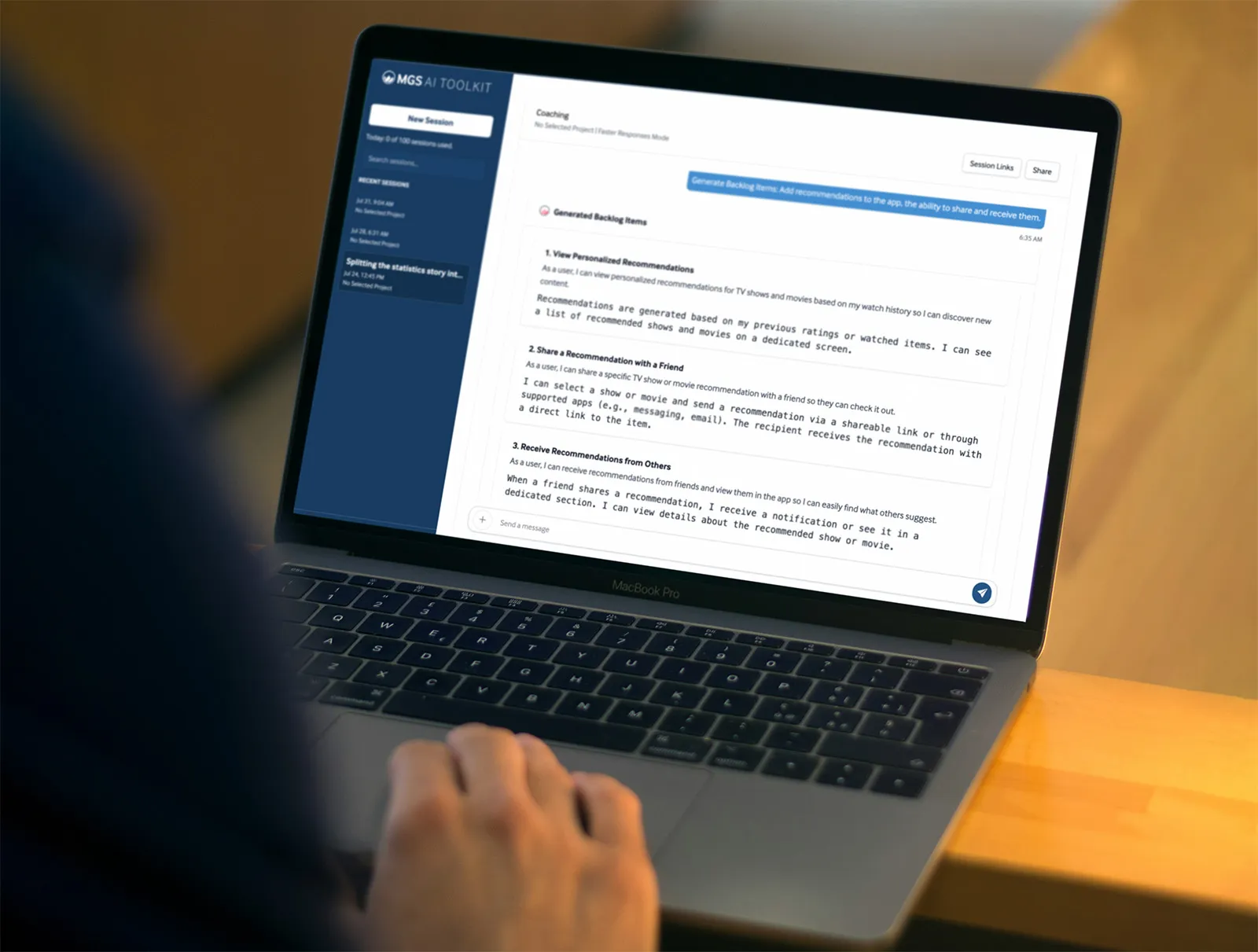
- MGS AI Toolkit for Scrum questions, story splitting, and backlog-item feedback
- Planning Poker® for collaborative estimation
- Practical reference materials for Scrum roles, events, planning, and team improvement
Learn Scrum From People Who Helped Shape Scrum
Working on a Scrum Team is grounded in Mountain Goat Software’s decades of experience helping real teams improve how they plan, refine, collaborate, inspect, and adapt.
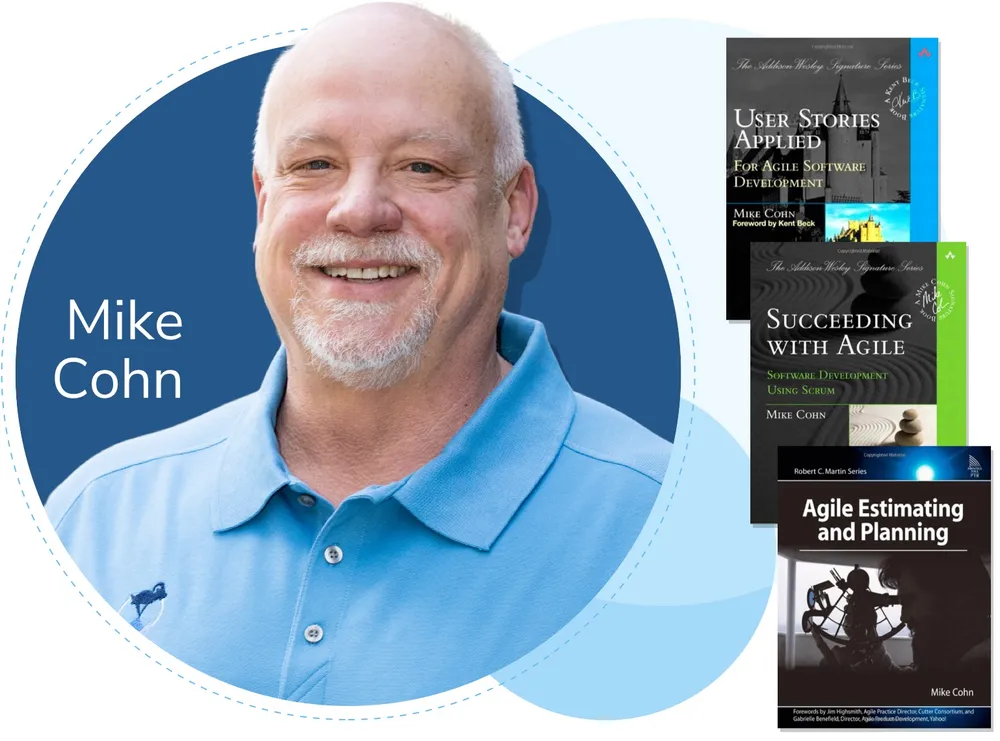
Mike Cohn co-founded both the Scrum Alliance and the Agile Alliance and is the author of User Stories Applied, Agile Estimating and Planning, and Succeeding with Agile.
Participants learn from practitioners who understand both the Scrum framework and the organizational conditions that affect how teams use it.
Frequently Asked Questions
Is This For New Scrum Teams Or Experienced Scrum Teams?
Both can benefit. Newer teams build a shared foundation before conflicting habits take hold. Experienced teams address inconsistency, carryover, role confusion, weak events, handoffs, or other patterns that are limiting improvement.
Should The Whole Team Attend?
Yes, when possible. That usually includes the product owner, Scrum Master, and developers. Analysts, designers, testers, managers, stakeholders, or others may participate when they influence how the team plans, collaborates, or delivers.
Can Several Teams Attend Together?
Yes. The workshop can help several teams build a more consistent approach while still allowing discussion of the different challenges each team faces.
Can The Workshop Be Customized?
Yes. Examples, discussions, exercises, and emphasis areas can be adjusted based on your goals, team experience, products, terminology, and current Scrum challenges.
Which Delivery Format Should We Choose?
Two full days provide the most concentrated experience. Four half days create more space between sessions, while Team Improvement Sprints allow teams to try ideas between sessions and bring what they learn back into the workshop. We will recommend the simplest format that fits your goals and scheduling needs.