
A product backlog is an ordered list of possible future work for a product. It helps the Product Owner and team decide what to build, fix, learn, or improve next.
A good backlog keeps upcoming work visible without pretending everything is certain. It changes as the team learns. Items near the top become clearer and smaller. Items farther down can remain larger, rougher, and easier to change.
Use this guide to understand what belongs in a product backlog, how to prioritize it, how to keep it healthy, and how refinement prepares the team for better Sprint Planning.
Who This Guide Is For
This guide is for Product Owners, Scrum Masters, agile coaches, Developers, stakeholders, and leaders who want a backlog that supports better decisions.
It is especially useful when a backlog has become too large, too vague, too detailed in the wrong places, or too hard to use in Sprint Planning.
In This Guide
This guide explains what a product backlog is, what belongs in one, how a healthy backlog behaves, and how teams use prioritization and refinement to decide what to work on next.
For deeper help, use the topic pages linked throughout this guide.
What Is a Product Backlog?
A product backlog is the Product Owner’s ordered list of possible future work for a product.
It can include features, bugs, technical work, learning items, product improvements, experiments, and other work that may improve the product or reduce uncertainty. Many items will be written as user stories. Others will not.
The product backlog is most useful when it helps answer practical questions:
- What should the team consider next?
- What outcome are we trying to improve?
- What should be refined soon?
- What is too large or unclear to bring into a sprint?
- What can wait, move lower, or be removed?
Treat the backlog as a living decision-making tool rather than a permanent promise.
Why Product Backlog Health Matters
Backlog problems usually show up somewhere else.
Sprint Planning takes too long. Work turns out to be larger than expected. Important questions appear after the sprint has started. Items carry over. Stakeholders are surprised. The team starts to doubt the value of planning.
Those symptoms are often treated as planning problems. Many times, they are backlog problems.
A healthier backlog gives the Product Owner a better way to make tradeoffs, gives the team a clearer view of what may be coming, and gives stakeholders a more realistic picture of what matters now.
Core Product Backlog Concepts
What Belongs in a Product Backlog
A product backlog can contain more than user stories. It may include features, bugs, technical work, learning items, experiments, product improvements, and other work the team may do to improve the product.
The format matters less than the conversation it creates. Use a user story when it helps. Use another format when that makes the work easier to understand and discuss.
Go deeper: Read more
Product Backlog Prioritization
Scrum often says the product backlog is ordered. In practice, Product Owners prioritize: they decide which items, themes, features, or initiatives should be considered before others because they matter more now.
Use formal methods for larger planning decisions such as quarterly, milestone, release, or product-goal planning. Use lighter judgment to adjust the top of the backlog before each sprint.
Go deeper: Read more
Product Backlog Health
A healthy backlog has a clarity gradient. Items near the top are clearer and smaller because the team may work on them soon. Items farther down can be larger and less detailed because they may change or disappear before the team gets to them.
A healthy backlog is also pruned regularly. Removing old, duplicate, stale, or low-value work is part of good product ownership.
Go deeper: Read more
Product Backlog Refinement
Product backlog refinement is the ongoing activity of improving upcoming backlog items so the team and Product Owner share enough understanding to make good planning decisions.
Refinement may involve splitting large items, clarifying acceptance criteria, estimating, identifying risks, answering questions, or removing items that no longer matter.
The goal is confidence, not certainty.
Go deeper: Read more
Backlog Item Size and Story Splitting
Items should become smaller as they move toward the top of the backlog. Large items are fine when they are far away. They become a problem when the team is about to plan a sprint.
Story splitting helps teams turn large product backlog items into smaller pieces that still deliver value or useful learning. Splitting by technical layer often creates tasks, not good backlog items.
Related page: Read more
Acceptance Criteria
Acceptance criteria describe conditions that must be true for a product backlog item to be considered complete.
They help clarify boundaries, examples, rules, and important expectations. They should support conversation, not replace it.
A useful test is whether the team understands what must be true for the item to be considered complete.
Related article: Read more
Ready Enough for Sprint Planning
A product backlog item is ready enough for Sprint Planning when the team can have a responsible conversation about bringing it into the sprint.
That usually means the item is small enough, the purpose is understood, major open questions have been answered or are manageable, and the Product Owner can explain why the item matters now.
Ready enough does not mean fully designed or guaranteed to finish. It means the team has enough confidence to plan responsibly.
Related article: Read more
Estimation and Forecasting
Backlog items, estimates, and forecasts are connected. When items are smaller and better understood, estimates improve. Better estimates support better tradeoffs, Sprint Planning, and release forecasting.
Estimates will not make the future certain. They help the Product Owner and stakeholders make better decisions with the information available now.
Related guide: Read more
Common Product Backlog Mistakes
Letting the Backlog Become a Warehouse
A backlog that stores every idea forever becomes harder to use. Old requests, duplicate items, stale bugs, and someday-maybe ideas can make real decisions harder to see.
Review the backlog regularly and remove items that no longer help.
Confusing a Long Backlog with a Healthy Backlog
A long backlog can look reassuring, but size is not the same as health. A useful backlog makes tradeoffs easier. A bloated backlog hides them.
Over-Refining Far-Future Work
Adding detail too early wastes effort. Far-future work is likely to change, split, merge, or disappear. Save deeper refinement for items likely to matter soon.
Bringing Oversized Items Into Sprint Planning
Large items create uncertainty. Split them before they become sprint candidates.
Treating Acceptance Criteria as a Contract
Acceptance criteria should create shared understanding. Long lists of contractual wording can reduce collaboration and still miss the real intent.
Turning Refinement Into Mini Sprint Planning
Refinement should help the team decide whether an item is understood well enough to fit in a sprint. Detailed task planning belongs in Sprint Planning.
Is Your Product Backlog Helping the Team Decide What to Do Next?
Use these questions to decide where to improve next.
- Do the top items help the Product Owner and team make clear tradeoffs?
- Are upcoming items small enough and clear enough for Sprint Planning?
- Are lower-priority items allowed to remain larger and less detailed?
- Are stale, duplicate, or low-value items removed regularly?
- Is prioritization based on outcomes, value, learning, cost, risk, and dependencies?
- Does refinement create confidence without trying to eliminate every unknown?
- Are large items split before they become sprint commitments?
- Does the team understand what must be true for near-term items to be considered complete?
Recommended Articles and Pages
Scrum Product Backlog
A foundational explanation of what belongs in a Scrum product backlog.
Make the Product Backlog DEEP
A concise model for a healthy backlog: detailed appropriately, estimated, emergent, and prioritized.
Why Your Product Backlog Should Look Like an Iceberg
Explains why items near the top should be clearer and smaller than items farther down.
Four Steps to Keep Your Product Backlog Small and Manageable
Practical guidance on keeping the backlog from becoming too large to use.
5 Key Factors for Effective Product Backlog Prioritization
Shows how value, learning, cost, risk, and dependencies affect priority decisions.
Writing the Product Backlog Just in Time and Just Enough
Guidance on adding detail at the right time.
Definition of Ready: What It Is and Why It’s Dangerous
Useful for teams trying to reduce Sprint Planning surprises without turning readiness into a rigid gate.
Related Guides and Pages
Scrum
Learn the Scrum roles, events, artifacts, and commitments that shape how the product backlog is used.
User Stories
Learn how user stories support backlog conversations, story splitting, and acceptance criteria.
Agile Planning
Learn how estimates, Sprint Planning, release planning, and forecasting support better decisions.
Product Ownership
Learn how Product Owners work with stakeholders, make product decisions, order the product backlog, and keep the team focused on delivering the most valuable outcomes.
FAQ
What Is a Product Backlog?
A product backlog is the ordered list of possible future work for a product. It can include features, bugs, technical work, learning items, experiments, improvements, and other work the Product Owner may want the team to consider.
Who Owns the Product Backlog?
The Product Owner is accountable for the product backlog and its order. That does not mean the Product Owner writes every item or answers every question alone. The best backlogs are shaped through collaboration.
Should Every Product Backlog Item Be a User Story?
No. User stories are useful for many items, but a backlog may also contain bugs, technical work, learning items, job stories, FDD-style features, and other useful forms.
What Is Product Backlog Refinement?
Product backlog refinement is the ongoing activity of improving upcoming product backlog items so the Product Owner and team share enough understanding to make responsible planning decisions.
How Much Detail Should a Product Backlog Item Have?
Enough for the decision being made now. Far-future items can be brief. Items near the top should be clear enough for refinement, estimation, prioritization, and Sprint Planning.
How Do I Know If My Backlog Is Healthy?
Look at the results it creates. Healthy backlogs make Sprint Planning easier, keep near-term items clear, remove stale work, and help the Product Owner make tradeoffs.
All Articles on This Topic
Explore all Mountain Goat Software articles related to product backlogs, backlog health, prioritization, refinement, story splitting, acceptance criteria, and Sprint Planning readiness.
Product Backlog Basics
- Scrum Product Backlog
- What Belongs in a Product Backlog?
- Not Everything Needs to Be a User Story: Using FDD Features
- Job Stories Offer a Viable Alternative to User Stories
Product Backlog Health
- How to Keep a Product Backlog Healthy
- Make the Product Backlog DEEP
- Why Your Product Backlog Should Look Like an Iceberg
- Four Steps to Keep Your Product Backlog Small and Manageable
- Product Backlog Bankruptcy!
Product Backlog Prioritization
- How to Prioritize a Product Backlog
- 5 Key Factors for Effective Product Backlog Prioritization
- Simplify Prioritization into “Now” and “Not Now”
- Needs, Wants, and Wishes on Your Product Backlog
Product Backlog Refinement
- Product Backlog Refinement
- Rethink the Refinement Session: Less Time, Better Outcomes
- Writing the Product Backlog Just in Time and Just Enough
- Definition of Ready: What It Is and Why It’s Dangerous
Splitting and Acceptance Criteria
- Story Splitting: How to Split User Stories So Teams Can Finish
- SPIDR: Five Simple but Powerful Ways to Split User Stories
- How Detailed Should a User Story Be?
- Short Answers to Your Big Questions About User Stories
Product Backlog Resources
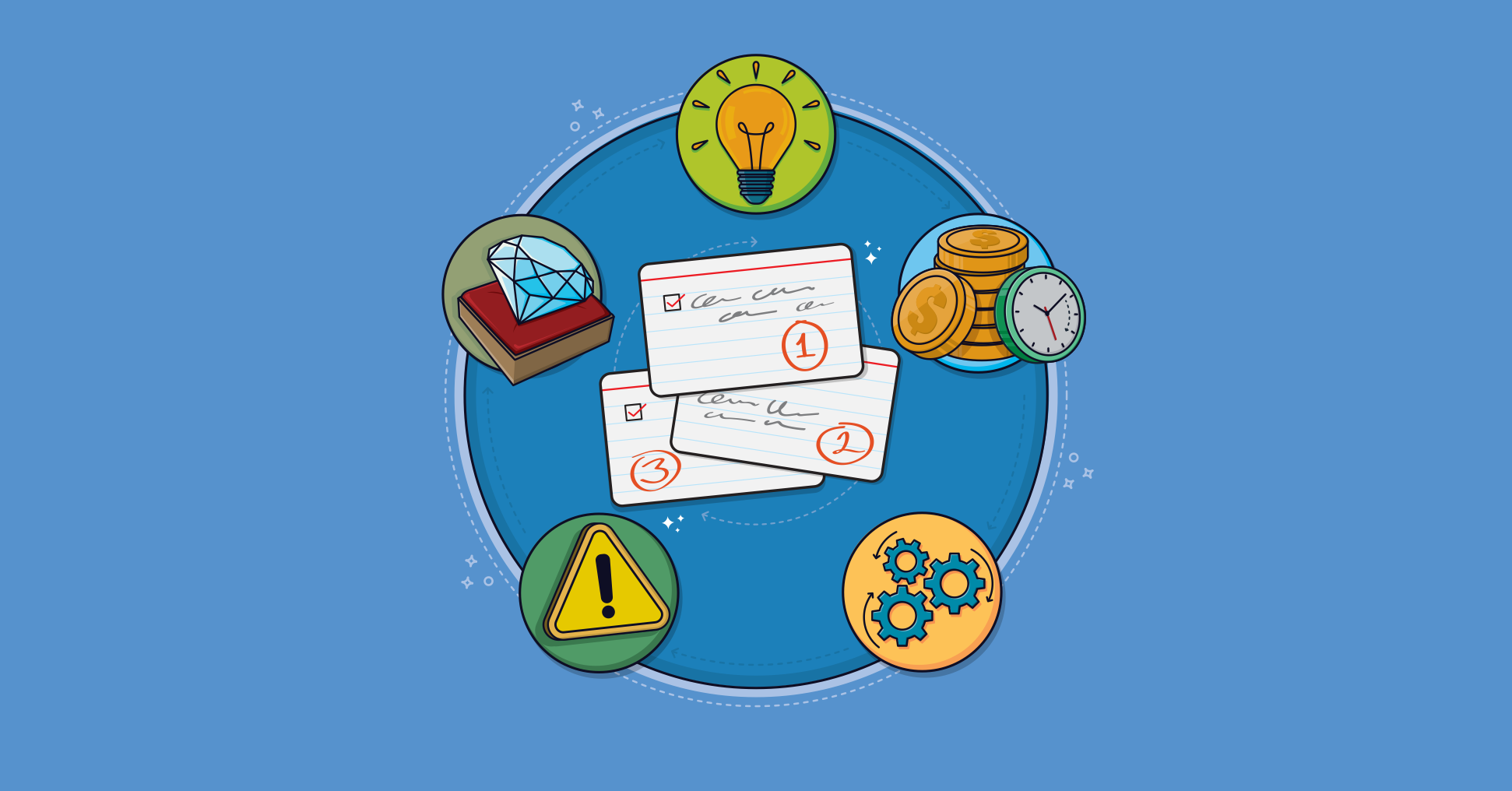
Confused about how to prioritize your backlog? These 5 factors will help to focus your efforts.
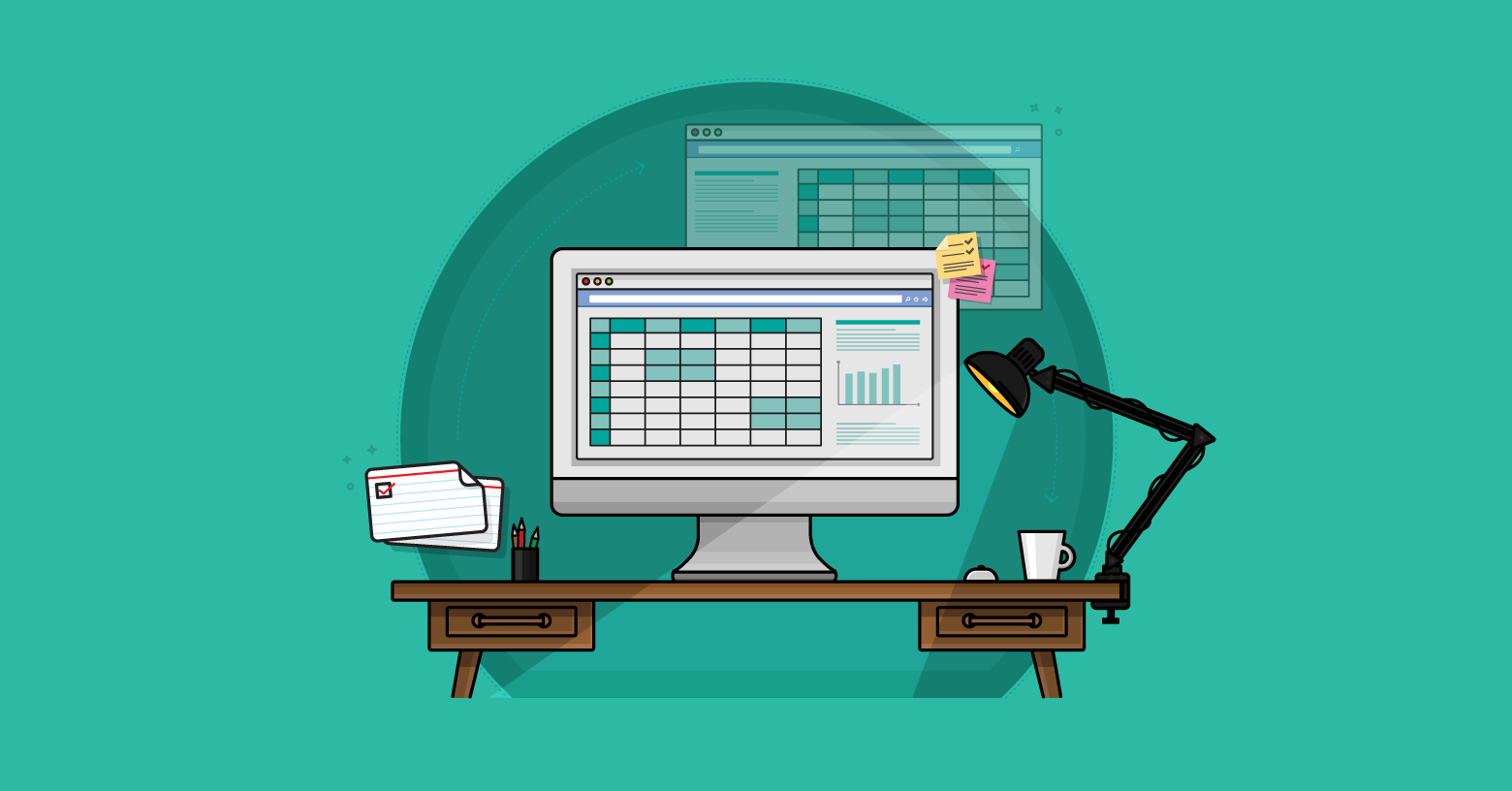
I want to show a real easy way to put user stories in a spreadsheet-based product backlog. I wrote this after seeing someone tweet a screen capture of a product backlog I made nine years ago and thought to myself, "Yikes, that's out of date for how I do it today ..." So in this post, well look at an agile product backlog template in Excel.
The ideal situation is to put the bugs right onto the product backlog.
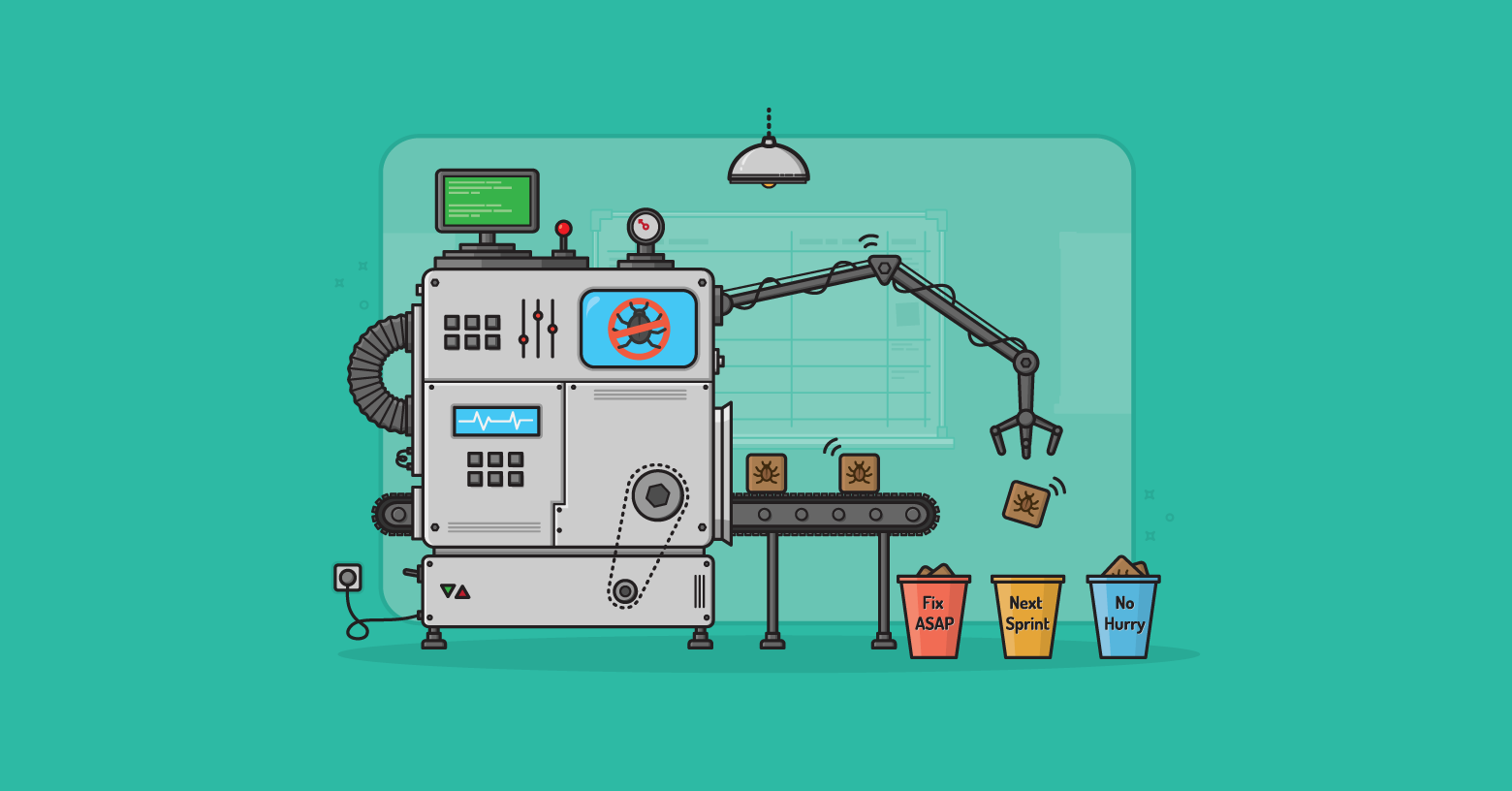
Prioritizing bug fixes has always been a challenge in software development. Even though there are fewer bugs with an agile team the short iterations still make it a challenge to prioritize those fixes. Here's a way to efficiently prioritize those defects.

When a product backlog becomes too big, it hinders agility. Discover four steps your team can take today to reduce the size of your product backlog.
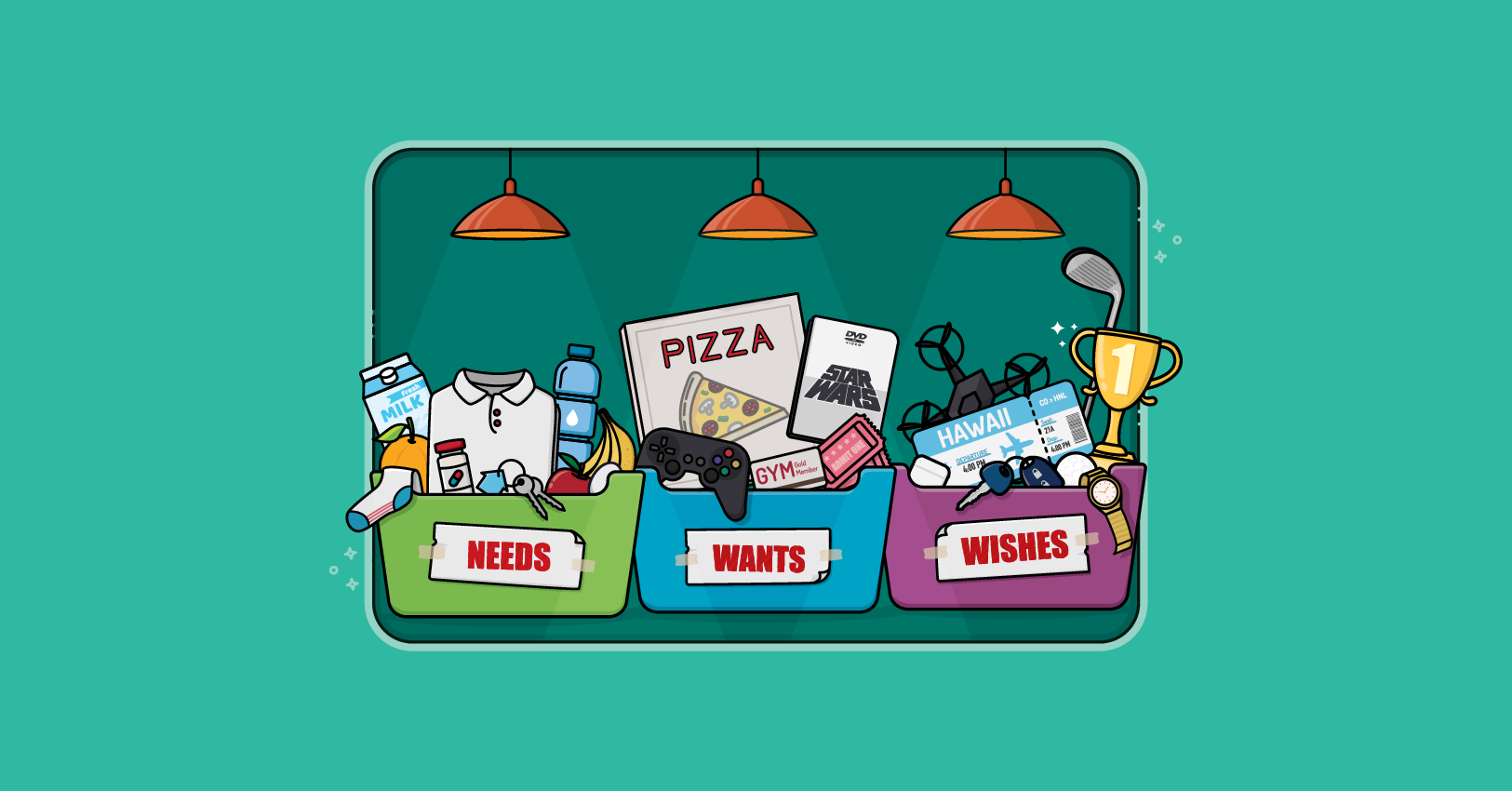
To prioritize a backlog, think about what users need, what they want, and what they merely wish for.
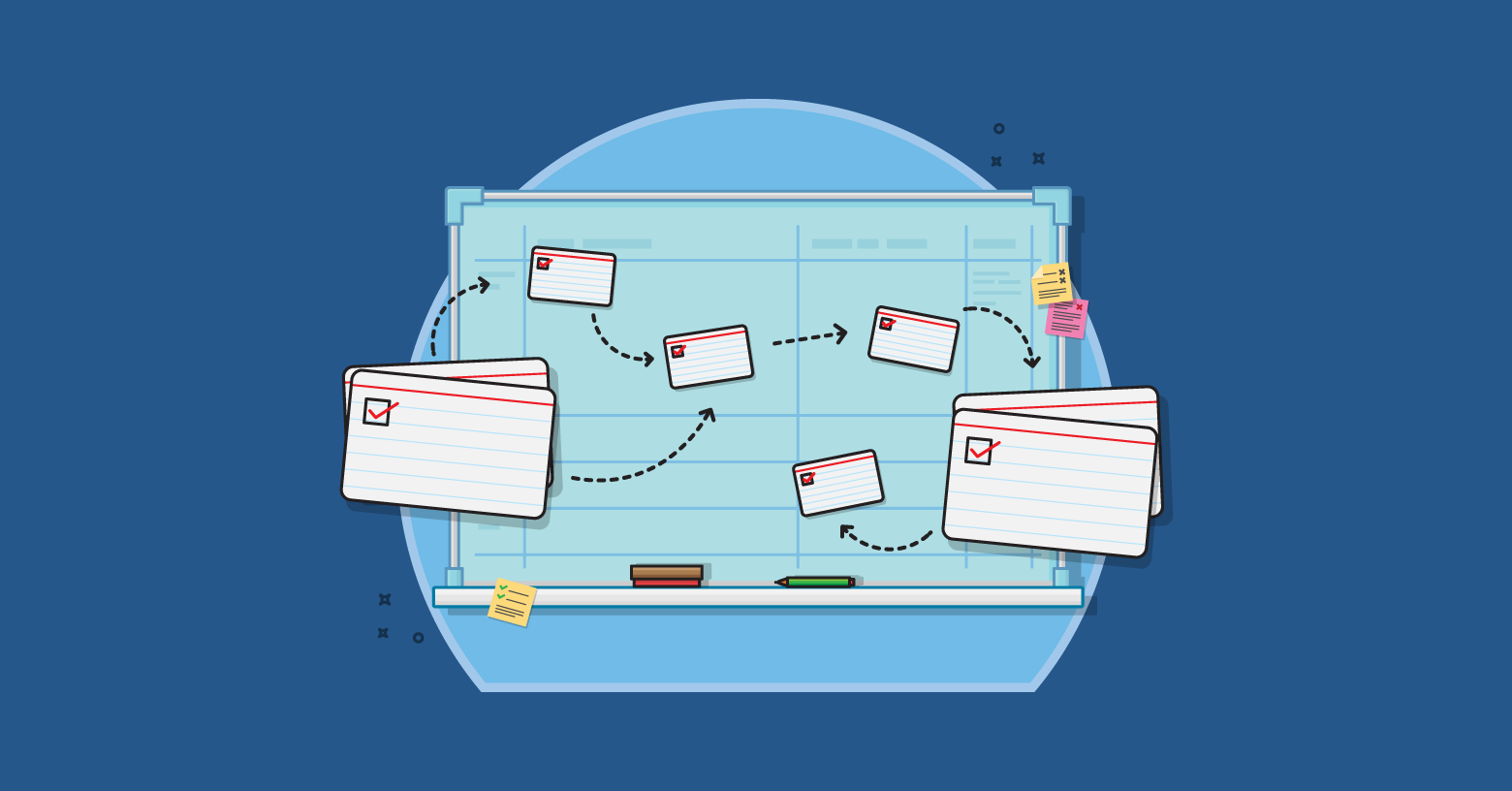
Learn about product backlog refinement: how, when, and why the agile team and product owner refine the product backlog in Scrum.
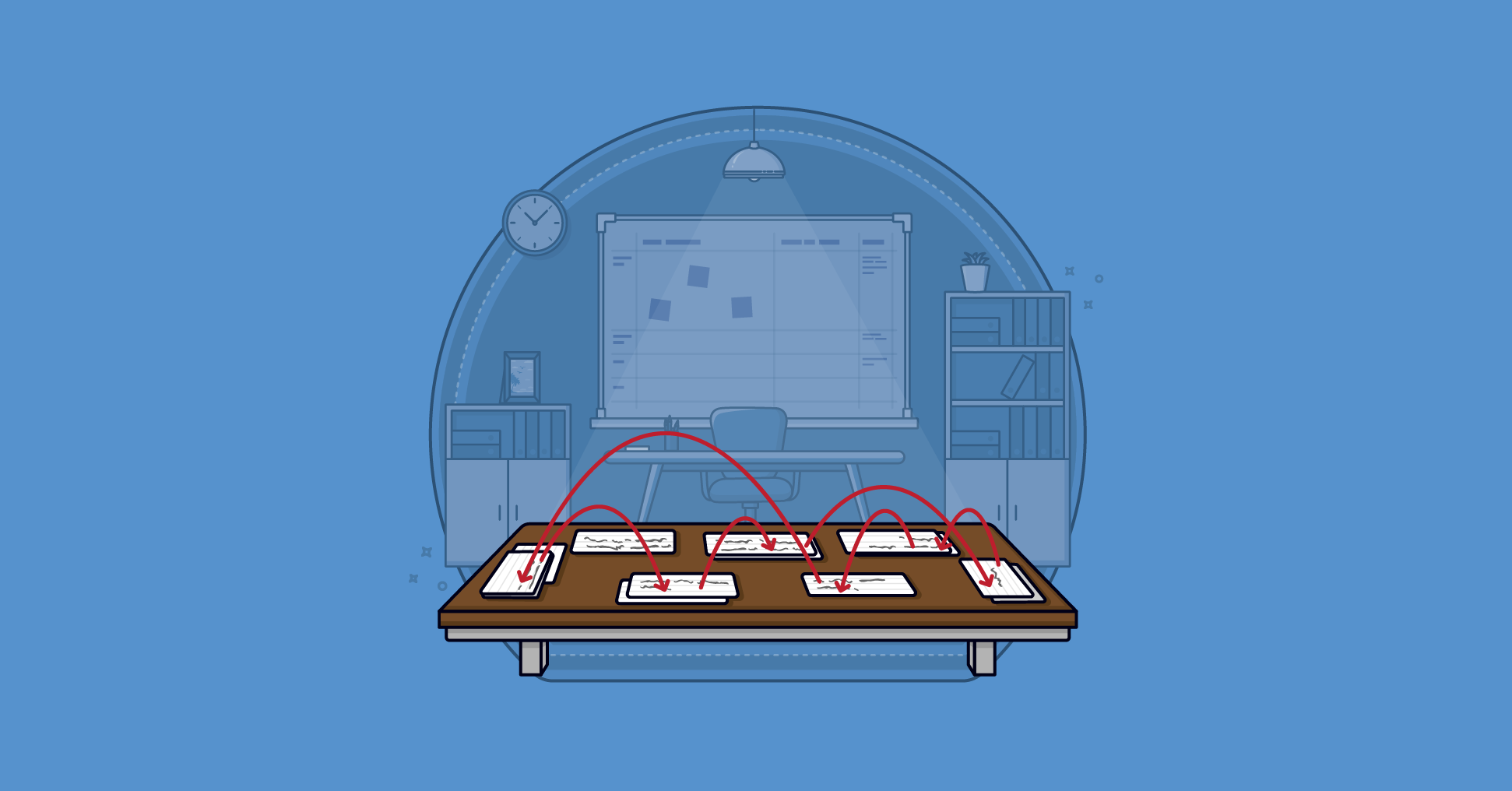
Learn how to make your backlog refinement faster, sharper, and more effective.
This post explains how to use a Definition of Ready successfully and avoid it becoming a first step back toward a waterfall process.
In this agile principles post from Mike Cohn, discover how Scrum organizations define products. Learn why good product definition avoids problems related to agile team structure, product backlog management, and Scrum roles.

My wife, daughters and I use Wunderlist to manage our shared grocery list. Any time one of us notices something we're out of, that person adds it to the grocery list. Then, whoever is taking their turn at doing the weekly grocery shopping checks items off the list while in the store. It works really well. I’m thinking about...

An agile product backlog should evolve over time, with product backlog items and user stories rising toward the top according to priority. Learn how your team can make this happen.

Capturing too much or too little detail in a user story causes problems. Here's how to get it right, iteratively.
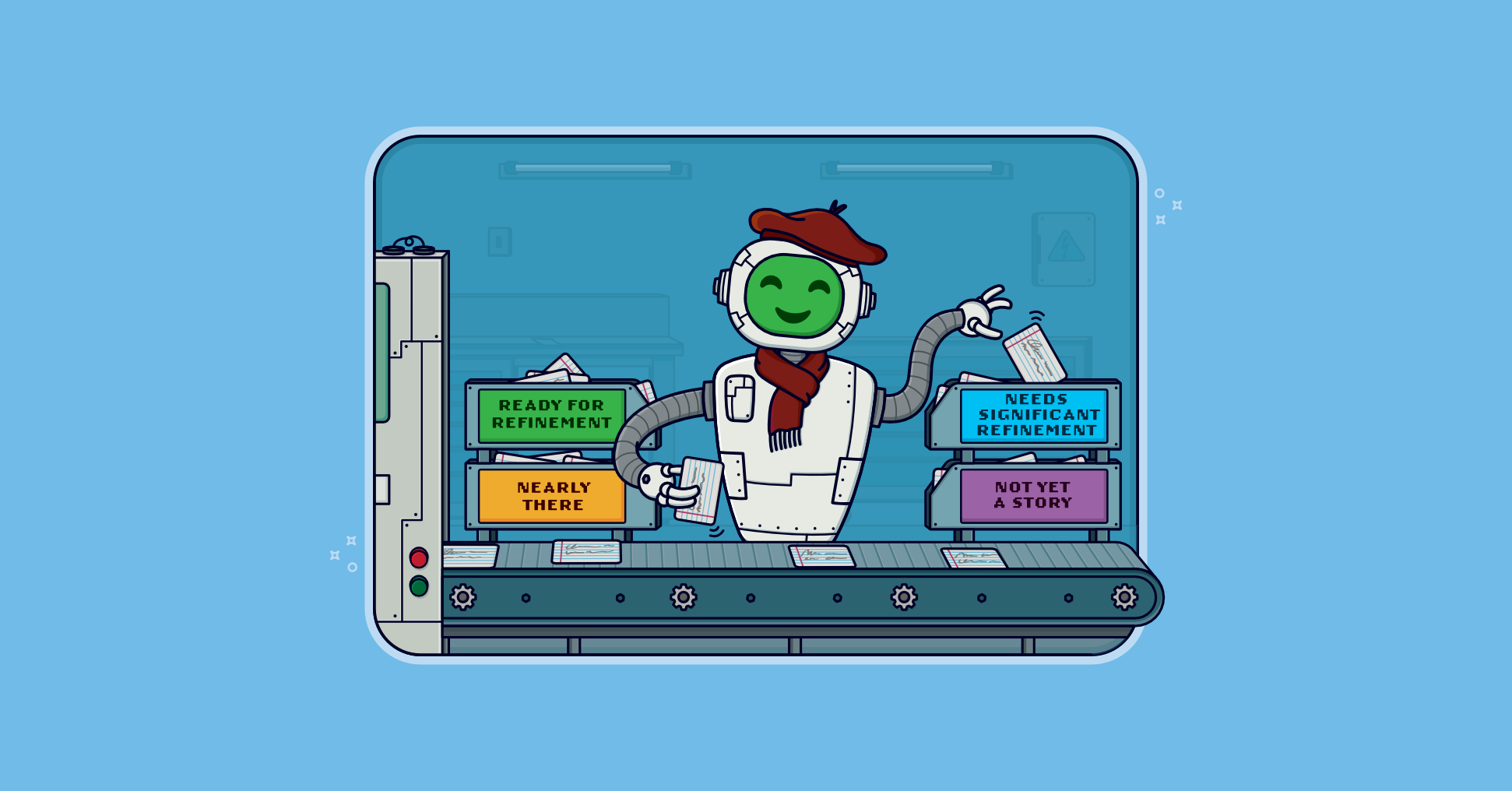
Paste in a user story, job story, technical story, bug, spike, or chore and get coaching on clarity, readiness, testability, and backlog placement.